Meta Ads Manager is the tool you use to create, manage and track Facebook and Instagram ads. If you searched for “ad manager meta” or “meta ads” and want to run your first meta ad without wasting money, this guide is for you.
It explains how Meta Ads Manager is organised, how to choose an objective, how to create your first campaign, and when it is worth asking an agency for help.
What Is Meta Ads Manager?
Meta Ads Manager (also called Facebook Ads Manager) is Meta’s free tool for building and managing adverts across Facebook and Instagram. Creating campaigns costs nothing. You pay only for the advertising spend you set.
Note that “Ad Manager” is also the name of a different Google product. This guide covers Meta’s tool.
People also search for it as “facebook meta ads”, “meta ad” or “meta adverts”. They all mean the same thing: ads that run on Meta’s platforms.
How Ads Manager Is Organised
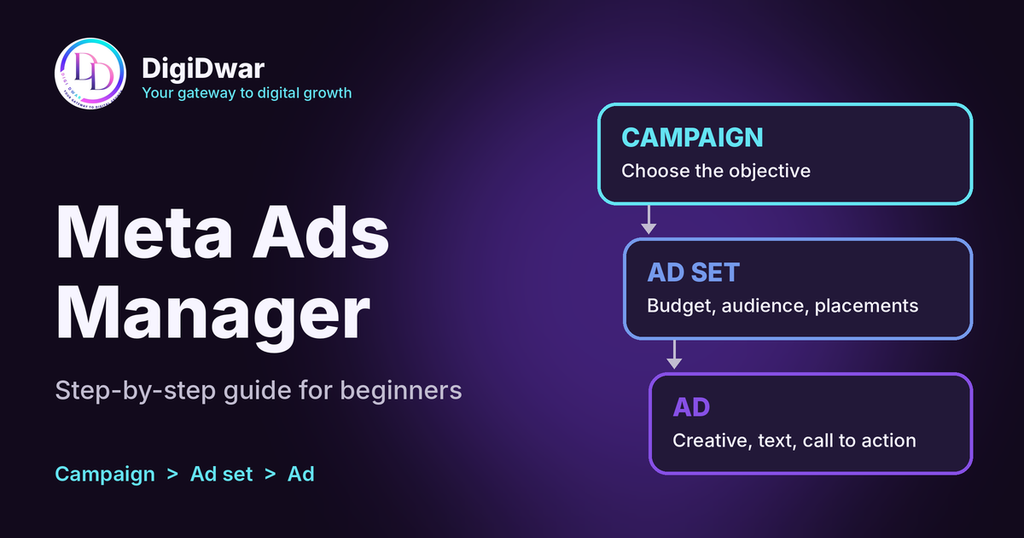
Every campaign in Meta Ads Manager has three levels:
| Level | What you set there |
|---|---|
| Campaign | The objective, which tells Meta what result to aim for |
| Ad set | Budget, schedule, audience, locations and placements |
| Ad | The creative (image or video), text, headline and call to action |
One campaign can hold several ad sets, and each ad set can hold several ads. For most small businesses, a simple structure with fewer ad sets works better than a separate ad set for every interest or age group.
Meta Ads Manager Campaign Objectives
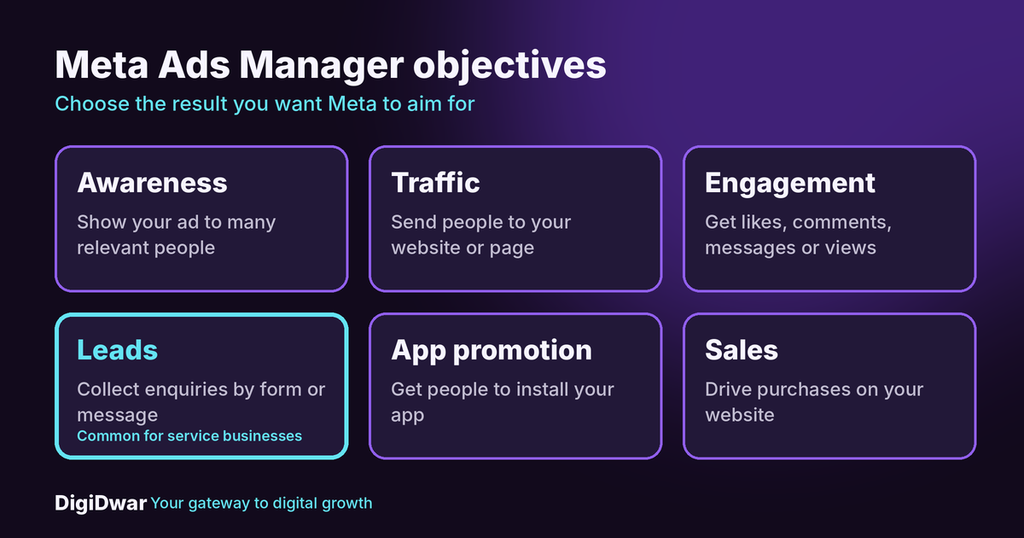
The objective is the first choice you make. It tells Meta which result to prioritise. The main objectives are:
- Awareness: show your ad to as many relevant people as possible.
- Traffic: send people to your website or a page.
- Engagement: get likes, comments, messages or video views.
- Leads: collect enquiries through a form or messages.
- App promotion: get people to install an app.
- Sales: drive purchases or other valuable actions on your website.
A local service business that wants enquiries usually looks first at Leads. Choose the objective that matches the result you actually want, not the cheapest-looking one.
How to Create Your First Ad in Meta Ads Manager
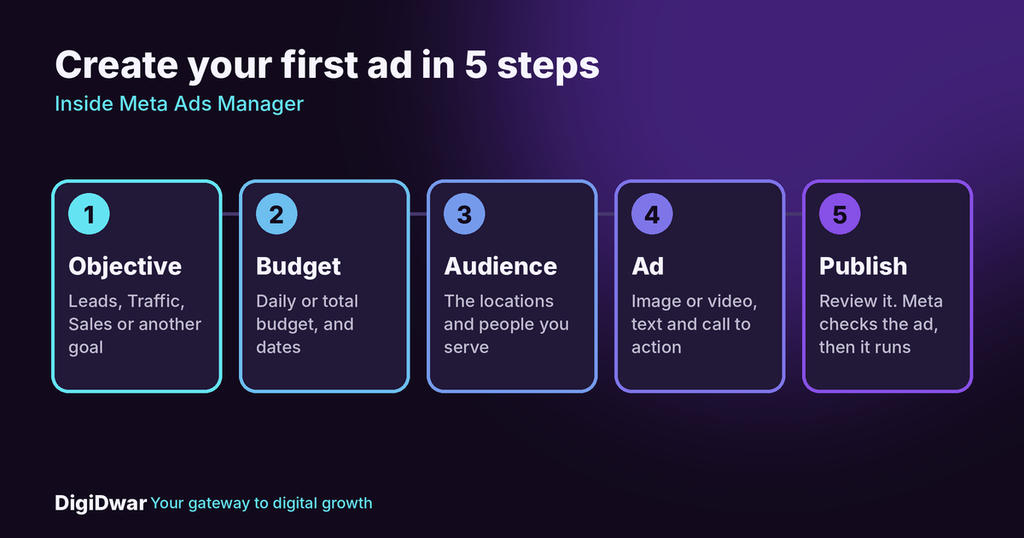
Button names can change over time, but the steps stay the same.
- Open Meta Ads Manager and check that your ad account is connected to your Facebook Page.
- Click Create and choose a campaign objective.
- Name the campaign and choose how to set the budget: one budget for the whole campaign, or a budget for each ad set.
- Build the ad set: choose your daily or total budget, the dates, the locations you serve, and the audience.
- Choose placements. Let Meta use the suggested Facebook and Instagram placements, or pick them yourself.
- Create the ad: upload an image or video, write the primary text and headline, and choose a call to action such as “Send message” or “Learn more”.
- Choose where people go: an instant form, a message chat or your website page.
- Review everything and publish. Your ad goes through a review before it starts to run.
Start with a small budget and one clear offer. Add more campaigns after you see how the first one performs.
Mistakes to Avoid in Ads Manager
- Too many ad sets. Splitting a small budget across many audiences leaves each one with too little data to judge.
- The wrong objective. If you choose Traffic when you want enquiries, Meta works toward clicks, not leads.
- No plan for follow-up. A lead that waits two days for a reply is often lost.
- Judging only by clicks. Cheap clicks do not equal suitable customers.
- Changing everything at once. Change one thing at a time so you can see what made the difference.
Numbers to Check in Meta Ads
Open the reporting view and look at:
- Amount spent: what the campaign has cost so far.
- Reach and impressions: how many people saw the ad.
- Clicks: how many people interacted with it.
- Results: the number of leads or messages.
- Cost per result: the average cost of each lead.
These show trends, but they do not show the full business result. Ask your team: were the enquiries relevant, were they in your area, and did you answer them? An inexpensive lead is not automatically a good customer.
For Meta’s own tutorials and policies, see the Meta Business Help Centre.
When to Use Meta Ads Yourself and When to Hire Help
Doing it yourself works for a small test with a simple offer. Help is worth considering when you run several campaigns, need audience and creative testing, or do not have time to review the results each week.
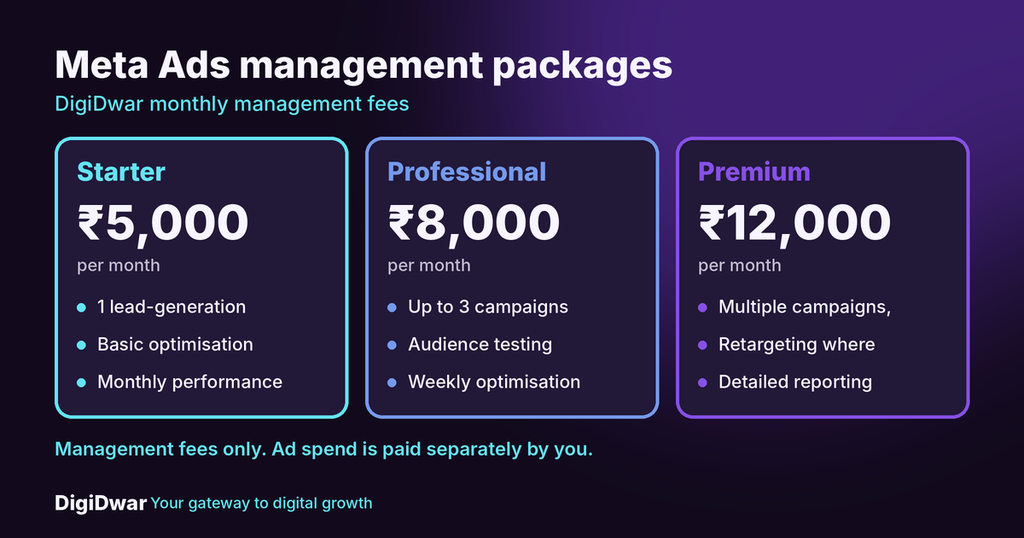
DigiDwar manages Facebook and Instagram advertising for businesses in Noida, Greater Noida and across Delhi NCR:
| Package | Fee per month | Includes |
|---|---|---|
| Starter | ₹5,000 | 1 lead-generation campaign, basic optimisation, monthly report |
| Professional | ₹8,000 | Up to 3 campaigns, audience testing, weekly optimisation |
| Premium | ₹12,000 | Multiple campaigns within an agreed scope, retargeting where suitable, creative testing, detailed reporting |
These are management fees only. Advertising spend is paid separately by you. Setup, new creatives and tracking installation are quoted separately, and we do not guarantee leads or sales. See our Meta Ads management service for details, and our guide to Google Ads management fees versus ad spend to understand how fees and spend differ.
Meta Ads FAQs
Is Meta Ads Manager free to use?
Yes. Using the tool is free. You pay for the advertising spend you choose.
Is Meta Ads Manager the same as Facebook Ads Manager?
Yes. People use both names for the same tool, and it also manages Instagram ads.
Do I need a Facebook Page to run meta ads?
You normally need a Facebook Page connected to your ad account.
How much should I spend on my first campaign?
There is no single amount. Start with a budget you can afford to test, and increase it only after you see useful results.
Can an agency use my Meta Ads Manager account?
Yes, with the right access. You keep ownership of your account, and the agency works inside it.
Get Help with Your Meta Ads Manager Campaigns
Start with your offer, your location and your monthly budget. Then decide how much you can manage yourself.
If you want a second opinion or full management, request a free initial consultation or call +91 87896 19750. If you also need a clear enquiry page for your ads, see our website development service.